ELNEIA
Your website, app and bookings.
Connected in one system.
At ELNEIA, we develop digital solutions that connect your customers, your team and your everyday work.
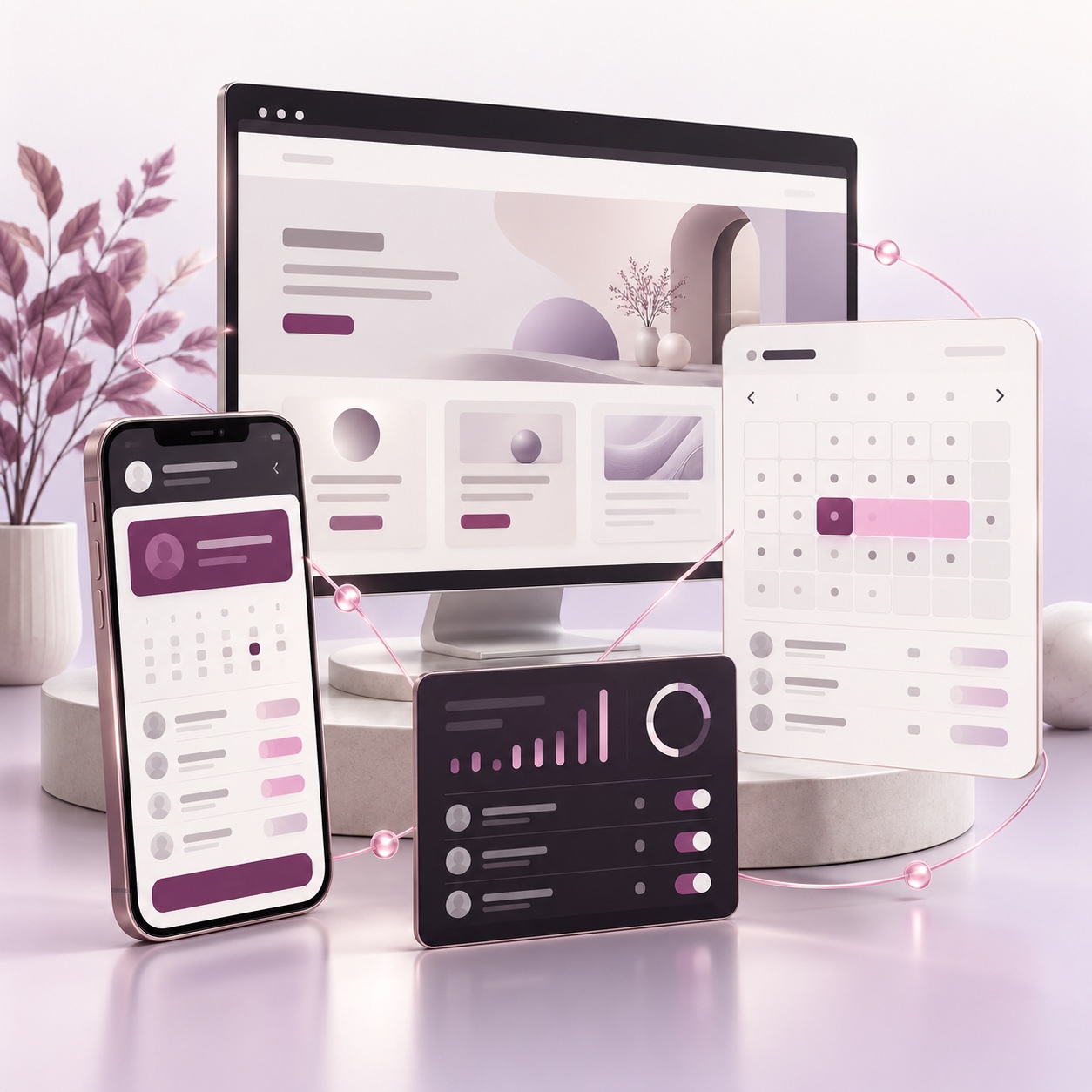
SELECTED WORK · RAZGIBAJMO SE
From a member’s class to the team’s overview.
For Razgibajmo se, we connect the mobile app, member portal, administration and backend logic. Members can manage absences and make-up classes while the team runs the centre.
Explore the project and real interfaces →HOW RAZGIBAJMO SE WORKS
One centre. Everything connected.
From the first visit to a class booking — each view has its own role, and all work as one system.
01 · FIRST CONTACT
Public website
Classes, instructors and the first contact with the centre.
Access to member services
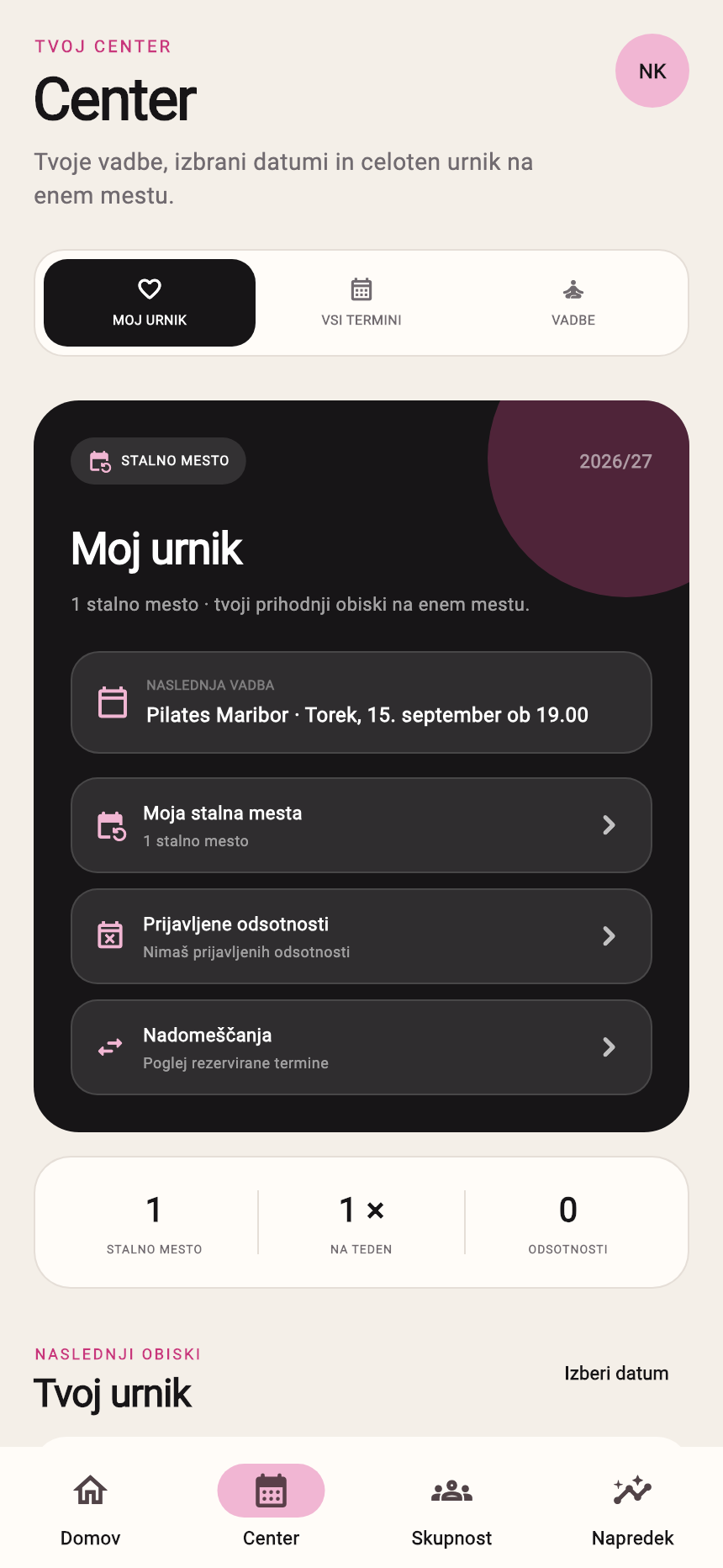
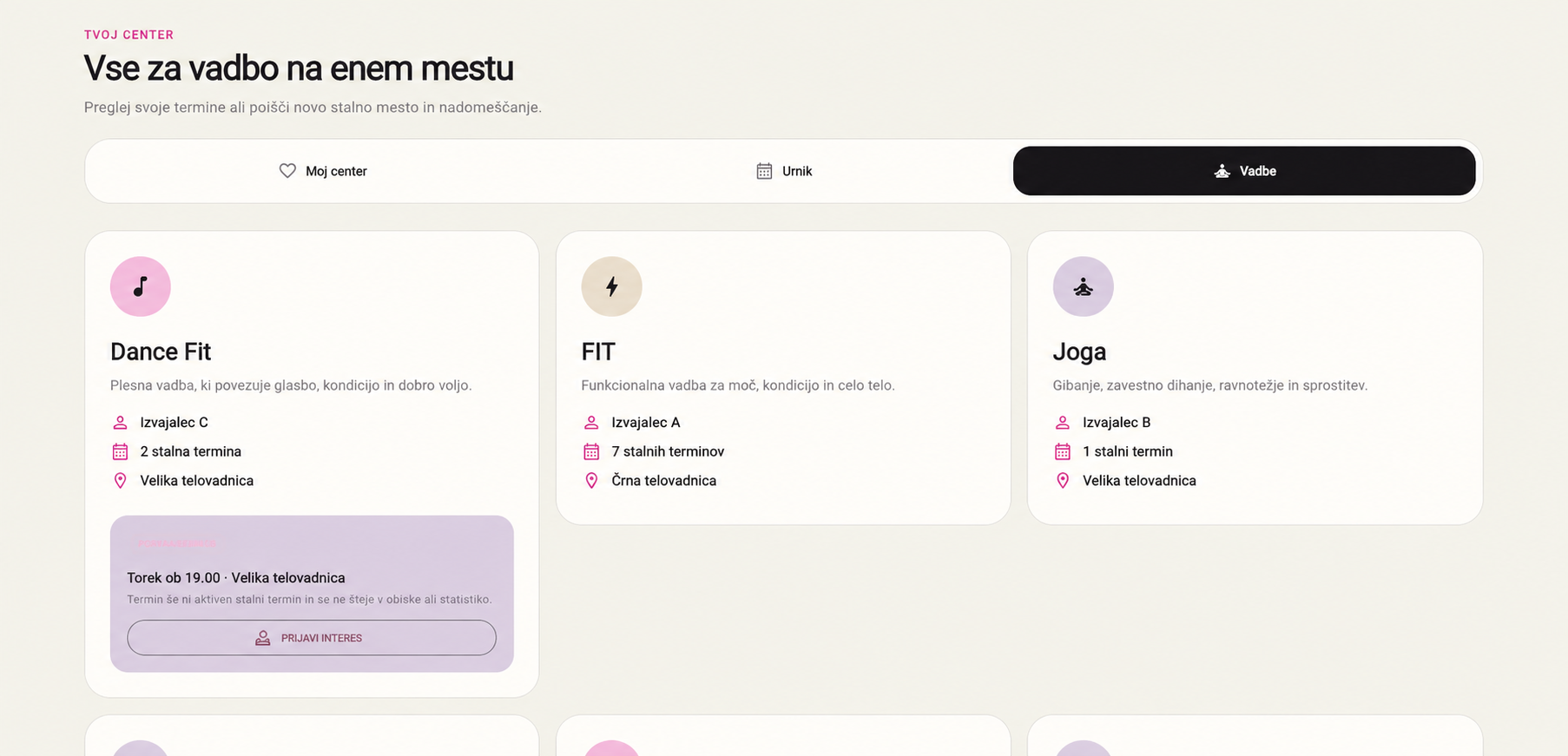
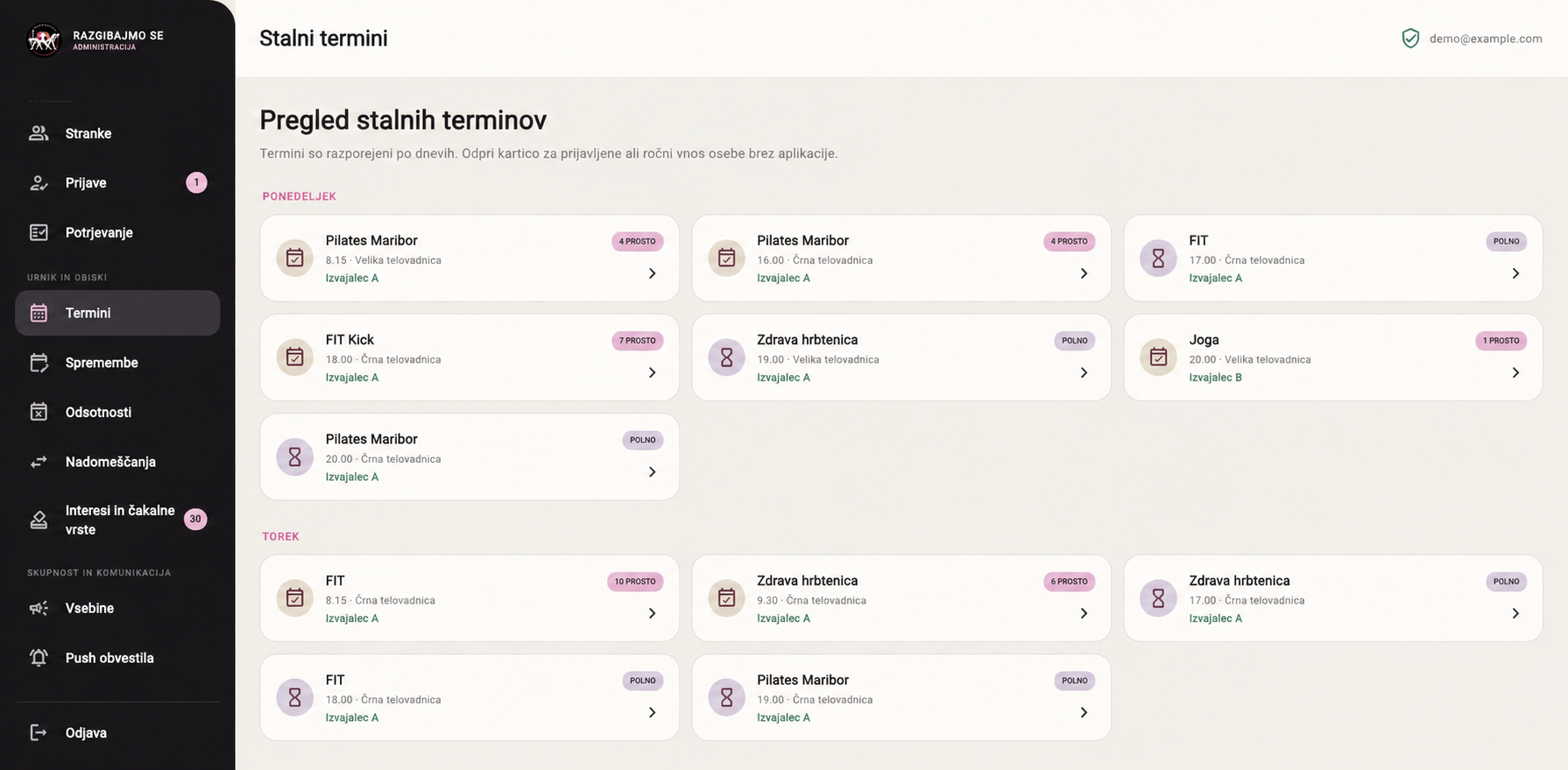
ONE SHARED FOUNDATION
The shared backend
Interface previews with anonymised names. The app uses test data.
Walk through the exampleWALK THROUGH A PRACTICAL EXAMPLE
One absence. Connected changes.
Open the steps to see how a member’s action affects an available place, another member and the team’s overview.
An illustration with fictional members A and B. The counter tracks only the extra place in this example; the class’s actual capacity may differ.
01 · A member reports an absenceConfirmed recurring class → absence reported
Member A selects a session of their recurring class in the app or portal and confirms the absence.
Member A
Absence reported
Extra place in this example
1 place available after confirmation
Member B
No booking yet
WHAT HAPPENS BEHIND THE SCENES
The system checks the confirmed recurring place and the allowed absence reporting window.
RESULT
Member A sees the absence in their reported absences.
02 · The system releases an extra placeSelected class session → one extra place available
The number of make-up places increases for that date and class. Member A keeps their recurring place; the absence applies to the selected session.
Member A
Absent for this session
Extra place in this example
1 place available
Member B
Can select the place
WHAT HAPPENS BEHIND THE SCENES
The absence and released place are tied to a specific class, date and member.
RESULT
Other members can find the extra place in the schedule.
03 · Another member books a make-up classValid pass + available place → booking
Member B selects a make-up class in the schedule and confirms the booking for that session.
Member A
Absent for this session
Extra place in this example
0 places available
Member B
Make-up class booked
WHAT HAPPENS BEHIND THE SCENES
The system checks pass validity on the class date, an available place and any existing registration.
RESULT
Member B sees the booking under their make-up classes; the available place count decreases.
04 · The team sees the updated overviewAbsence and make-up booking → the same class overview
Administration links member A’s absence and member B’s booking to the same class session. The team tracks registrations and records attendance.
Member A
Absence in the overview
Extra place in this example
Place is booked
Member B
Booking in the overview
WHAT HAPPENS BEHIND THE SCENES
Member roles and administrative permissions determine who can view and manage each part of the data.
RESULT
Members and the team use data from the same class session.
BUILT AROUND YOUR WORK
We start with the process you want to improve.
PUBLIC WEBSITE
A clear path to your service
Your offer, content and enquiries in the place where customers first get to know you.
PORTAL AND ADMINISTRATION
Bookings and a team overview
An agreed booking workflow, member access and management of daily tasks.
CONNECTED ECOSYSTEM
An app and shared backend
For a connected user experience across phone, web and administration.
We are particularly familiar with the workflows of fitness centres, Pilates and yoga studios, and group activity providers. We can adapt a similar approach to other service businesses.
Ways to work together and scope →WORKING WITH US
From the first conversation to rollout.
We review your workflow with you, define the scope and develop the agreed solution. Before we start, you know what the first release includes; support and further improvements are agreed separately.
About us →WORKING WITH US
What takes the most coordination today?
Describe how you welcome customers, manage appointments or handle memberships. Together, we will identify a practical first step for your business.
Contact us
